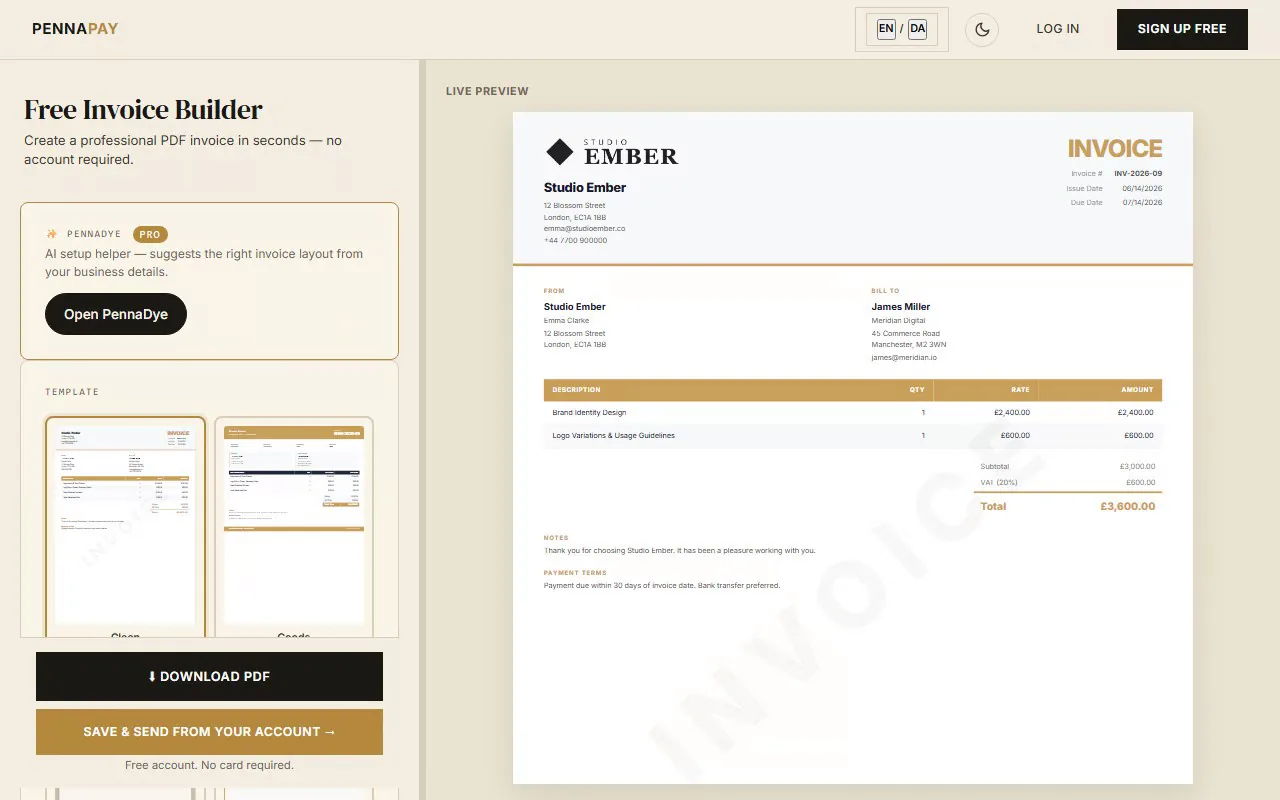
Pro template
Professional invoices for
illustrators & graphic artists
Create clean, professional invoices for editorial illustration, book covers, brand identity, character design and licensing. Supports flat fees, per-image rates and usage licences.
Create illustrator invoice
Uses Handcrafted template (Pro)
Common illustrator invoice line items
Illustration invoices vary widely depending on the type of work — editorial, commercial, publishing, or licensing. Here's what freelance illustrators typically invoice for:
| Line item | Notes |
|---|
| Illustration — per image | Day rate or per-image fee; specify the number of images and usage |
| Illustration — flat project fee | Fixed price for a defined deliverable (e.g. book cover, poster, identity) |
| Editorial illustration | Per-image fee for press, magazine, or online media use — specify publication |
| Usage licence fee | Separate licence for commercial use — specify territory, duration and medium |
| Character design | Per character or character set — specify number of poses, expressions and formats |
| Storyboard | Per panel or per-frame rate; specify number of panels and complexity |
| Book / cover illustration | Flat fee for publishing work — clarify print run and territory rights |
| Brand identity illustration | Logo or brand mark creation — flat fee with full commercial transfer |
| Pattern design | Per design; specify whether repeat pattern, colourways and exclusivity |
| Animation-ready assets | Layered file preparation, rig-ready character export — additional fee on top of illustration |
| Additional revisions | Beyond agreed revision rounds — per round or per hour |
Why illustrators use PennaPay
Expressive, creative templates
The Handcrafted and Editorial templates have a strong visual character that suits illustrators. Canvas is great for editorial and publishing clients who expect a refined, considered aesthetic.
Deliver artwork securely
Attach final files (PNG, PDF, AI, layered PSD) directly to the invoice and deliver via a secure link — no WeTransfer, no email attachments. Pro feature.
Online payments (coming soon)
Every invoice carries your bank-transfer and MobilePay details today. Card payments directly on the invoice — handy for publishers, ad agencies and brand teams with card payment processes — are coming soon.
Multi-currency billing
Invoice international publishers, agencies and licensing clients in USD, EUR, GBP and 30+ currencies. Essential for illustrators with a global client base.
PDF invoices instantly
Generate polished PDFs with your logo, custom brand colour and full payment details. Free tier available with no account needed.
Client portal
Publishers, agents and recurring clients get a private link to view all invoices and download artwork — reducing back-and-forth email.
Frequently asked questions
Is this illustrator invoice template free?
The template page is free to browse. It uses the Handcrafted design which is part of the Pro plan.
How should I price illustration work on an invoice?
For editorial work, charge per image or a flat project fee. For commercial work (advertising, packaging, product), charge a creation fee plus a separate usage licence. The usage fee depends on: how widely it's used (territory), in what medium (print, digital, TV) and for how long (one-time, 1 year, perpetual). Always specify what rights are included and what requires an additional fee.
What's the difference between a usage licence fee and a flat illustration fee?
Your flat fee covers creating the artwork. A usage licence fee covers where and how the client can use it. These are separate. For editorial and publishing work, usage rights are often bundled into the flat fee. For advertising and commercial use, list them separately — it protects you legally and makes the pricing transparent to the client.
How should I handle revision fees on my invoice?
State in your initial agreement how many revision rounds are included (typically 2). When a client requests additional revisions, add a line item: "Additional revision round — beyond 2 included in project fee." Charge per round or per hour. Having this as a standard line item in your invoicing tool makes it easy to add without an awkward conversation.
What's the best invoice template for an illustrator?
The Handcrafted and Editorial templates have the personality to match illustration work. The Canvas template is more editorial and works well for publishing and press clients. All templates support logo upload and custom brand colour in PennaPay Pro — so your invoice can look as distinctive as your artwork.