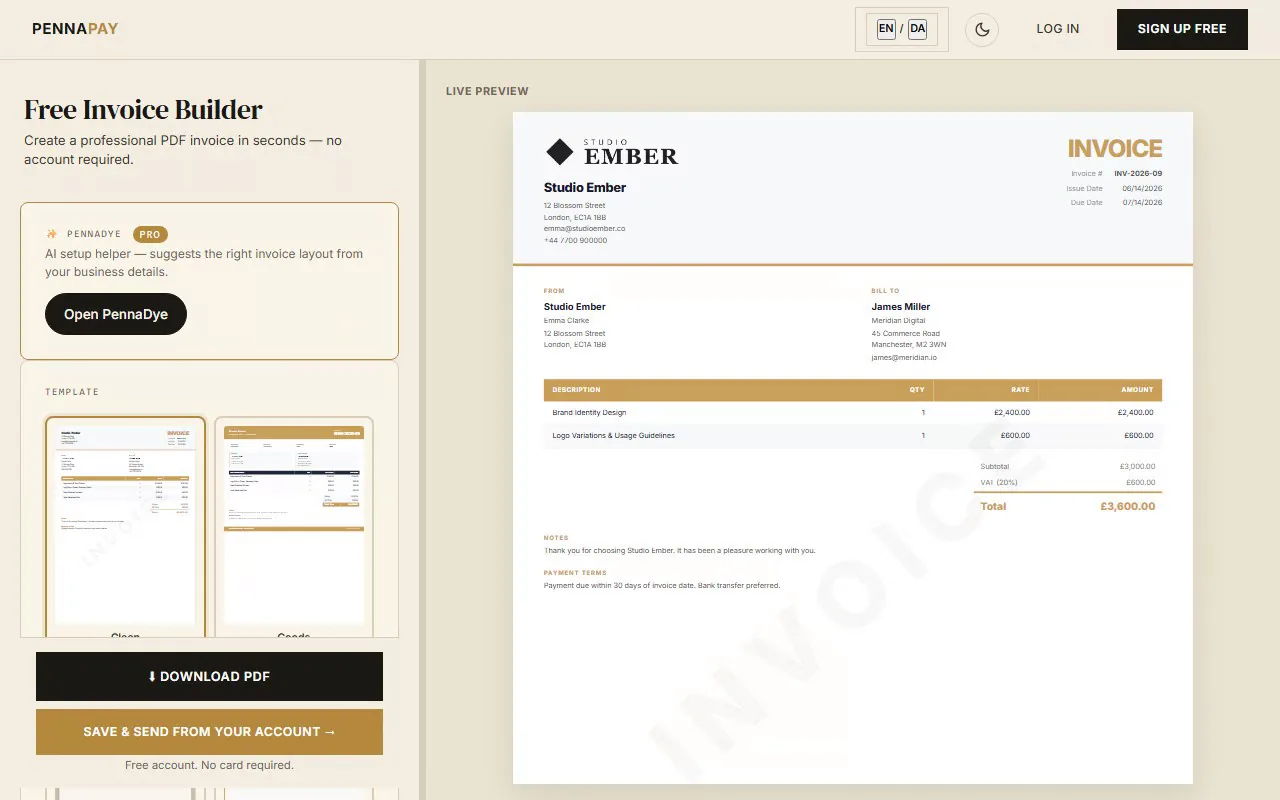
Common consultant invoice line items
Consulting invoices need to clearly justify your fees. Here are the line items most consultants use:
| Line item |
Notes |
| Discovery / scoping workshop | Initial consultation, stakeholder interviews, needs analysis |
| Day rate / hourly consulting | X days or hours × your daily/hourly rate |
| Strategy & recommendations report | Written deliverable — fixed price or per document |
| Project management | Coordination, planning and oversight hours |
| Workshop facilitation | Half-day or full-day rate including preparation |
| Travel & expenses | Rail, flights, accommodation, mileage at approved rates |
| Implementation support | Hands-on delivery alongside client team |
| Monthly retainer | Reserved availability — flat monthly fee |
| Rush / short-notice booking | Premium for bookings under X days notice |
Why consultants use PennaPay
Corporate-grade PDF
The Corporate template is designed for professional services. Clean, formal and credible — exactly what clients expect from a consultant.
Day rate & hourly support
List your rate and number of days or hours as separate columns. The invoice calculates line totals and the grand total automatically.
Your logo on every invoice
Upload your logo and brand colour. Your invoices will look as polished as your presentation decks. Pro feature.
Monthly retainer invoices
On retainer? Set up a recurring invoice and PennaPay generates it automatically each month. Pro feature.
Saved client profiles
Save each client's billing details and pre-fill invoices in one click. Ideal for consultants with multiple ongoing engagements.
Multi-currency & VAT
Invoice UK and international clients in GBP, USD, EUR and 30+ currencies. Add VAT or local tax with a configurable rate.
Frequently asked questions
Is this consultant invoice template free?
The template page is free to browse. It uses the Corporate design which is part of the Pro plan.
How do I invoice for a day rate?
Add a line item with the description of the work (e.g. "IT Strategy Consulting — 3 days"), set the quantity to 3 and the unit price to your daily rate. PennaPay calculates the line total automatically. Add a separate line for any expenses.
Should I invoice at the start or end of a project?
Most consultants use a deposit-first model: 30–50% upfront, the remainder on completion. For longer projects, milestone billing is common. Add a note in the Payment Terms field describing your billing structure so clients know what to expect.
Can I include expenses on the same invoice?
Yes — just add separate line items for each expense category (travel, accommodation, etc.). Many consultants add a note clarifying that expenses are billed at cost. Keep receipts separately for your own records.
What payment terms should consultants use?
Net 14 or Net 30 are standard in consulting. For new clients or large engagements, Net 14 reduces cash flow risk. Add your bank details and late payment policy to the Payment Terms section of the invoice.