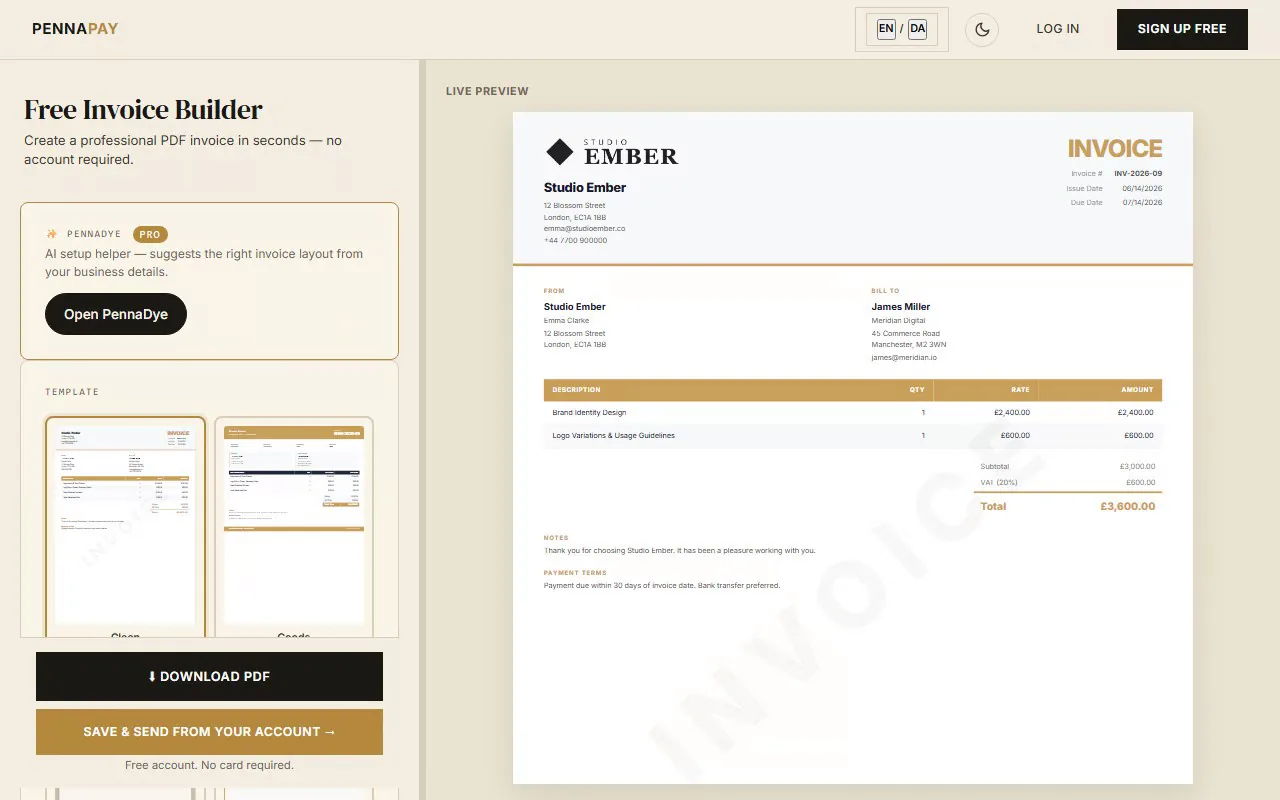
Free virtual assistant invoice template · No signup needed
Professional invoices for
virtual assistants & OBMs
Create clean, professional invoices for admin support, inbox management, scheduling, social media and online business management. Hourly, retainer, or package billing.
Create VA invoice — free
No account needed · Download PDF instantly
Common virtual assistant invoice line items
VA invoices typically cover admin, scheduling and operations support — billed hourly or on retainer. Here's what virtual assistants and online business managers commonly invoice for:
| Line item | Notes |
|---|
| Admin support — hourly | General admin, scheduling, data entry — specify hours and rate |
| Monthly retainer | Fixed hours per month (e.g. 20 hrs/month) at an agreed rate |
| Inbox & email management | Daily or weekly inbox management — per hour or included in retainer |
| Calendar & scheduling management | Meeting coordination, travel booking, diary management |
| Social media scheduling | Content scheduling, caption drafting, hashtag research — per hour or package |
| Customer support / CRM | Responding to enquiries, CRM data entry, customer follow-ups |
| Research & reporting | Market research, competitor analysis, report compilation — per hour |
| Project management | OBM-level coordination, team management, systems setup — day rate or package |
| Content creation support | Blog formatting, podcast show notes, newsletter assembly — per piece or hour |
| Systems & tool setup | CRM, project management, or automation setup — flat project fee |
| Ad-hoc overflow hours | Additional hours beyond retainer — specify rate and any notice period required |
Why virtual assistants use PennaPay
Clean, professional templates
The Clean and Studio templates present a structured, professional layout that matches the organised, reliable image VAs need to project to executive and entrepreneur clients.
Automated retainer billing
Set up recurring monthly invoices for retainer clients and let them auto-send — so you can focus on your clients' businesses, not your own admin. Pro feature.
Online card payments (coming soon)
Every invoice link carries your bank-transfer and MobilePay details today. Card payments directly on the link — ideal for overseas entrepreneurs and clients who don't use bank transfers — are coming soon.
Client management
Keep all client details, invoice history and files in one place. See outstanding balances and total billing per client without switching between apps.
Multi-currency billing
VAs frequently work with international clients. Invoice in USD, EUR, GBP, AUD, CAD and 30+ currencies — automatic formatting, no manual conversion.
Client messaging
Keep all client communications in one place alongside their invoices. No more hunting through email threads to find what was agreed.
Frequently asked questions
Is this virtual assistant invoice template free?
Yes, completely free. No account needed. Create your invoice, pick a template and download as a PDF instantly.
Should I charge hourly or on retainer as a VA?
Both models have their place. Hourly is good for project-based or ad-hoc clients — track carefully and invoice with a clear breakdown (hours x rate = total). Retainers give you predictable monthly income and give the client a predictable cost. Move clients onto retainers once you understand their ongoing needs. In PennaPay Pro, retainer invoices can be set to auto-send monthly.
How should I show my hours on an invoice?
For hourly invoices, list each task category as a separate line item with the hours, rate and total. For retainers, list the monthly package (e.g. "Admin retainer — 20 hrs @ £30/hr = £600") as a single line item. Attach a detailed timesheet to the invoice if your client requires one. PennaPay lets you attach files directly to invoices in Pro.
What's the difference between a VA invoice and an OBM invoice?
VAs typically bill hourly for task-based work. OBMs (Online Business Managers) handle strategy and team management at a higher level — they usually bill on a flat monthly retainer rather than hourly. Use your actual title and service descriptions. OBMs command significantly higher rates and their invoices reflect that with package or project-based fees rather than time sheets.
What's the best invoice template for a virtual assistant?
The Clean and Studio templates are popular choices — professional, well-structured and easy for clients to read at a glance. For OBMs and premium VA services targeting executive clients, the Corporate template projects a more high-end, business-focused image.