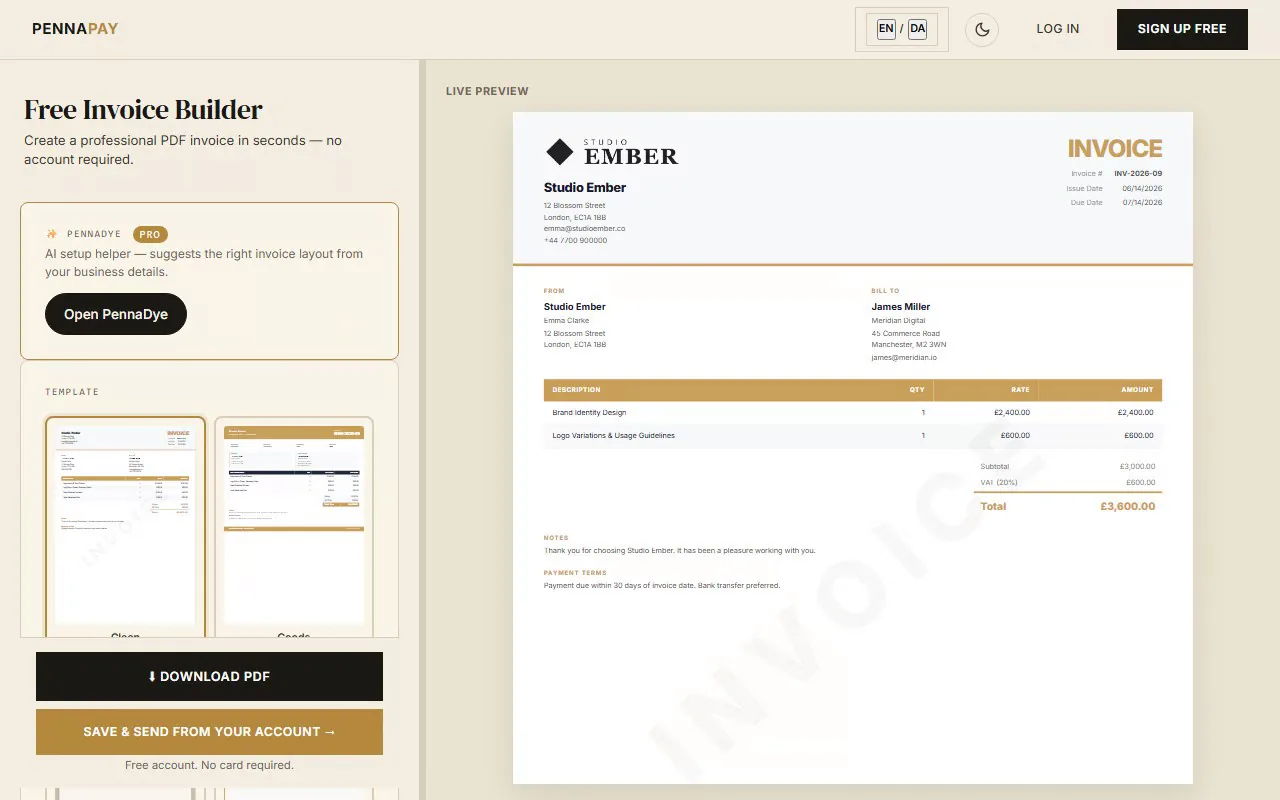
What to include in a graphic design invoice
A clear, professional design invoice protects you and looks great to clients. Here are the line items most designers include:
| Line item |
Notes |
| Brand identity design | Discovery, concept development and final deliverables |
| Logo design | Primary mark, secondary and icon/favicon variants |
| Brand guidelines document | Typography, colour palette, usage rules |
| Social media assets | Cover images, profile graphics, templates |
| Print design | Business cards, brochures, flyers, packaging |
| Revision rounds | Additional revisions beyond the included scope |
| Licensing fee | Commercial use rights for custom typefaces or assets |
| Rush fee | Premium for expedited delivery or tight deadlines |
Why designers use PennaPay
Beautiful, designer-made templates
15 templates crafted to impress. The Canvas and Studio templates are particularly popular with design studios and brand agencies.
Your brand on every invoice
Upload your logo and set your exact brand colour. Your invoices look as polished as the work you deliver. Pro feature.
Pixel-perfect PDF export
Download a print-ready PDF instantly. Just a professional invoice — the free plan carries a small "Made with PennaPay" footer, which Pro removes.
Saved client profiles
Save client details once and pre-fill invoices in one click. Ideal for designers with repeat clients and agencies.
Invoice dashboard
Track draft, sent, paid and overdue invoices at a glance. Know exactly what you're owed and what's been paid.
Recurring retainers
Set up recurring invoices for monthly retainer clients. PennaPay generates them automatically. Pro feature.
Frequently asked questions
Is this graphic design invoice template free?
Yes, completely free — no account required. Create your invoice, pick a template and download a PDF. Sign up for a free account if you want to save invoices and clients.
Can I use my own brand colours on the invoice?
Absolutely. Pro plan users can set a custom hex colour that applies to the template's accent elements — headers, lines, totals. Your invoice will match your brand identity exactly.
Should I include a licensing section in my design invoice?
Yes, especially for logo and brand identity work. Use the Notes or Payment Terms section to state what usage rights are included and add a separate line item for any licensing fees charged.
How do I handle revision rounds on an invoice?
Add a line item for "Additional revisions" if the client went over the included rounds. Be specific about what's included and what's billed extra in your payment terms — it avoids disputes later.
Can I send the invoice directly from PennaPay?
Yes. With a free account, you can send the invoice PDF via email directly from the dashboard. Or copy a client portal link and share it however you like.