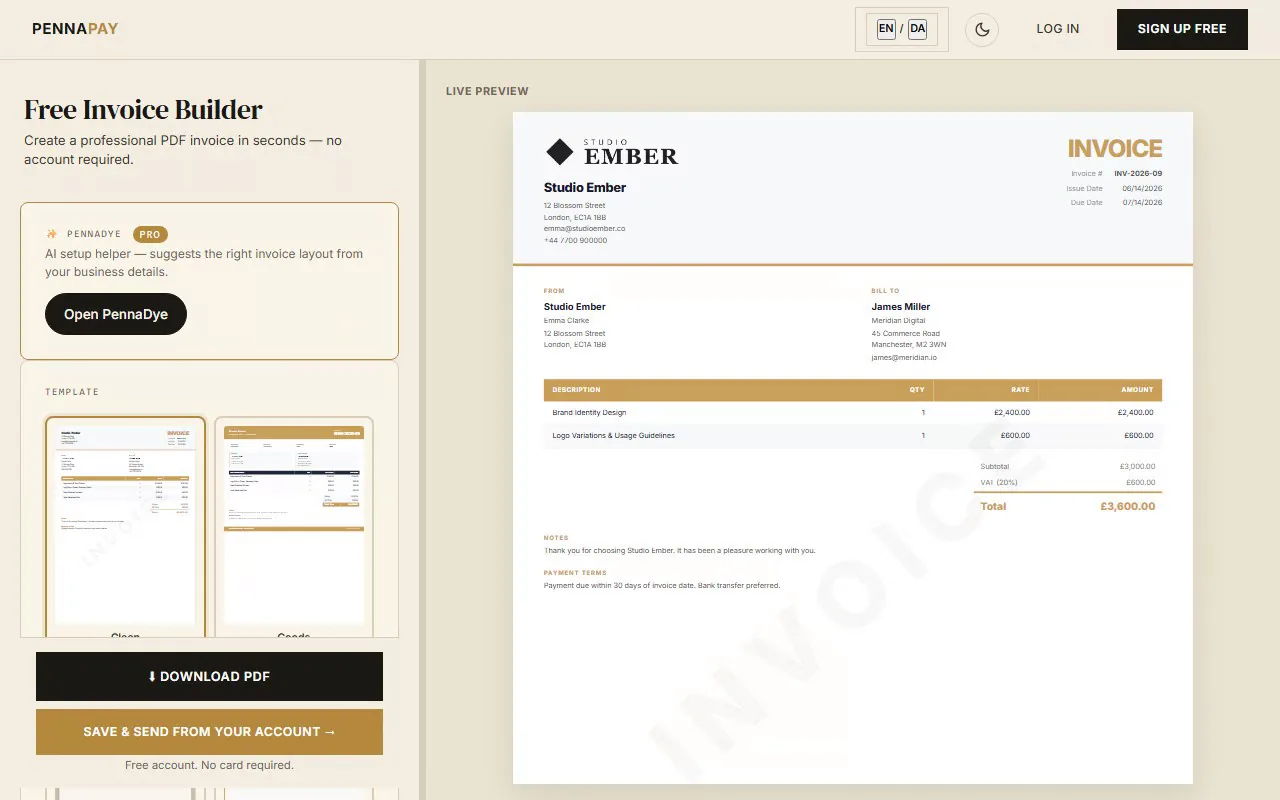
Free interior designer invoice template · No signup needed
Professional invoices for
interior designers & decorators
Create elegant, professional invoices for design fees, FF&E procurement, styling and project management. Supports flat fees, hourly rates and trade markups.
Create interior design invoice — free
No account needed · Download PDF instantly
Common interior designer invoice line items
Interior design invoices can cover design services, procurement and project management. Here's what interior designers and decorators typically invoice for:
| Line item | Notes |
|---|
| Initial consultation | Discovery meeting — flat fee or waived and credited on first payment |
| Interior design fee | Flat project fee or percentage of total project budget (10–20%) |
| Concept & mood board presentation | Design direction, colour palette, material selection — flat fee or included in design fee |
| Space planning & layout | Floor plan and furniture arrangement drawings — per room or project fee |
| FF&E procurement | Furniture, fixtures & equipment — list each item with quantity and price |
| Trade markup | Percentage applied to procured items at trade cost, if agreed with client |
| Project management | Contractor liaison, site visits, scheduling — per hour or flat project fee |
| Styling & installation | Art placement, accessory styling, soft furnishing installation — per day or half-day |
| Home staging | Flat fee or day rate for property sale staging; staging hire fee if rental items used |
| Custom joinery coordination | Design, specification and supervision of bespoke furniture or cabinetry |
| Photography & documentation | Final shoot coordination — pass-through or included in project fee |
Why interior designers use PennaPay
Elegant, on-brand templates
Canvas and Studio templates have a refined, editorial feel that matches premium interior design practices. Add your own logo and brand colour to create a fully on-brand invoice.
Deliver mood boards & specs
Attach concept presentations, mood boards, material schedules, or CAD drawings directly to an invoice via a secure client link. Pro feature.
Deposits & milestone payments (card coming soon)
Collect a design retainer upfront, then invoice for procurement and installation separately. Every invoice link carries your bank-transfer and MobilePay details today — card payments directly on the link are coming soon.
Client CRM
Store each client's details, project history and invoice records in one place. See total spend, outstanding balances and file history per client at a glance.
Multi-currency support
Invoice international clients or overseas second-home owners in their local currency — GBP, EUR, USD, AED and 30+ others.
Client portal
Each client gets a private portal to view their full invoice history and download documents — with bank-transfer and MobilePay details on every link, and a premium handoff experience that reflects your brand.
Frequently asked questions
Is this interior designer invoice template free?
Yes, completely free. No account needed. Create your invoice, pick a template and download as a PDF instantly.
How should an interior designer charge on an invoice?
Most interior designers use a combination of a flat design fee and a trade markup on procured items. List your design services (consultation, concept, project management) as line items with clear rates. For FF&E, list each item with the price you're charging the client. If you use a transparent markup model, show the trade cost and markup separately — whatever your contract specifies.
How do I invoice for furniture and procurement (FF&E)?
Create a dedicated procurement invoice (or a separate section) with each item listed: description, supplier or brand, quantity, unit price and total. Always require a deposit (typically 50–100%) before ordering — you're committing your trade credit with suppliers. Note estimated delivery dates in the invoice notes so the client has realistic expectations.
Do I need to show my trade discount on the invoice?
No — you're not obligated to disclose your trade cost price. Simply invoice the client at the agreed retail or marked-up price. If you've agreed a transparent fee structure (e.g. "trade cost + 25%"), show both figures so the client can verify the calculation.
What's the best invoice template for an interior designer?
Canvas and Studio templates are ideal — they have an editorial, premium feel that aligns with high-end interior design. For a more minimal or Scandinavian aesthetic, the Clean template works beautifully. Upgrade to PennaPay Pro to add your logo and custom brand colour for a fully on-brand client experience.