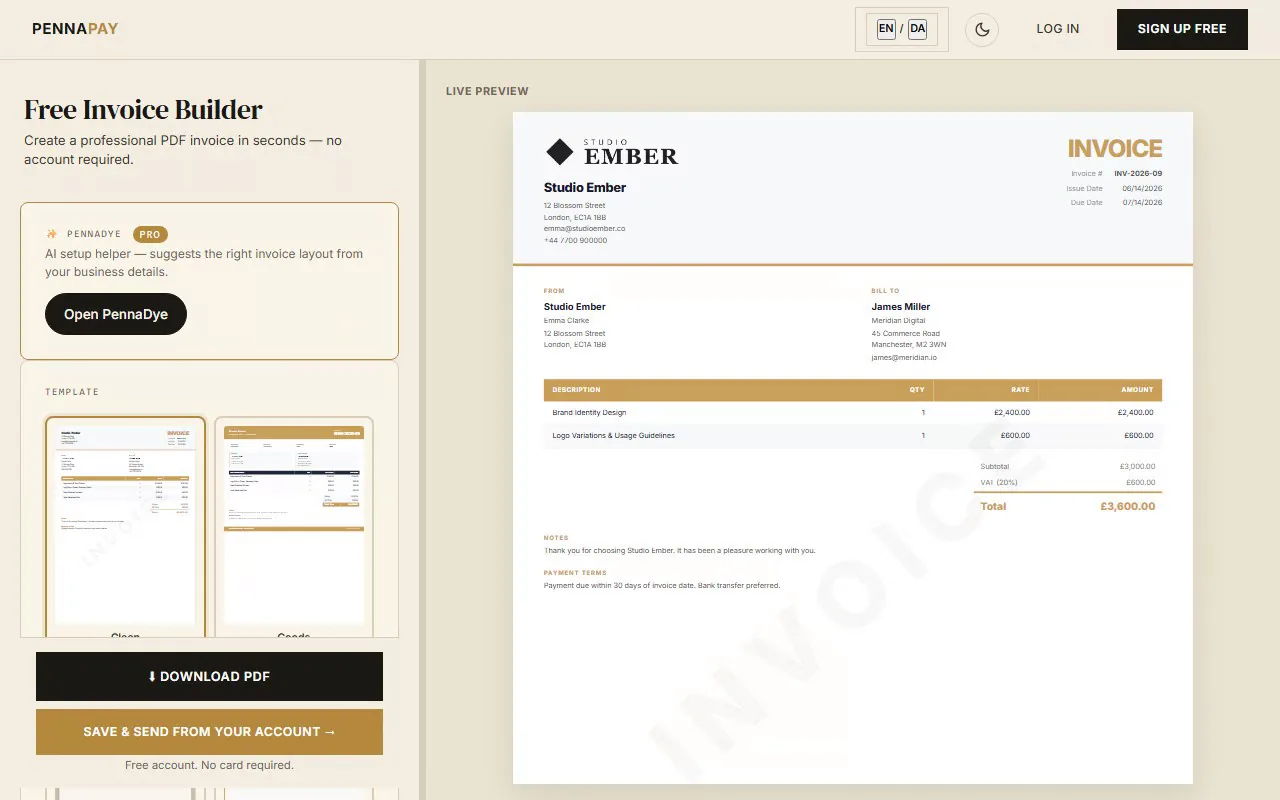
Free web developer invoice template · No signup needed
Professional invoices for
web developers
Create clean, professional invoices for web development projects. Covers hourly work, fixed-price projects, hosting, maintenance retainers and more.
Create web dev invoice — free
No account needed · Download PDF instantly
Common web developer invoice line items
Web development invoices typically need to cover a range of services. Here's what most developers include:
| Line item |
Notes |
| Discovery / scoping | Requirements gathering, technical spec, stakeholder interviews |
| UI/UX design | Wireframes, mockups, prototype — per screen or flat fee |
| Front-end development | HTML, CSS, JavaScript — hourly or milestone-based |
| Back-end development | APIs, database, server logic — hourly or milestone-based |
| CMS setup & content | WordPress, Webflow, or custom CMS configuration |
| Testing & QA | Cross-browser, device testing, bug fixes |
| Hosting setup | Server configuration, DNS, SSL certificate |
| Monthly maintenance | Updates, security patches, uptime monitoring retainer |
| Domain & hosting renewal | Annual fees passed through to client |
| Rush / after-hours work | Premium rate for urgent work or weekends |
Why web developers use PennaPay
Clean, professional PDF
Generate pixel-perfect PDFs instantly. The Clean template is popular with developers for its minimal, technical aesthetic.
Recurring maintenance invoices
Set up monthly or quarterly recurring invoices for hosting and maintenance retainers. They generate automatically. Pro feature.
Saved client profiles
Save each client's billing details and pre-fill invoices in one click. Ideal when you have multiple clients on retainer.
Multi-currency support
Invoice clients in GBP, USD, EUR and 30+ currencies. Great for developers with international clients.
Send via email or portal link
Email the invoice PDF directly, or share a client portal link so they can view and download it themselves.
File delivery (Pro)
Attach deliverable files (ZIPs, designs, exports) to invoices and share them via the client portal. Pro feature.
Frequently asked questions
Is this web developer invoice template free?
Yes, completely free. No account needed. Create your invoice, pick a template and download as a PDF instantly.
Should I invoice per hour or per project?
Both work well in PennaPay. For hourly, list each task with hours × rate. For fixed-price, use milestone line items. Many developers use a deposit-first approach — the invoice template lets you add a note about a 50% upfront deposit in the payment terms.
How do I invoice for monthly maintenance retainers?
With PennaPay Pro, you can create a recurring invoice set to "monthly" and it will generate automatically each month. For free accounts, duplicate the previous month's invoice and update the dates.
Can I include project documentation or files with my invoice?
Yes — PennaPay Pro includes file delivery. Upload deliverable files (ZIP, PDF, PSDs) and attach them to an invoice. Your client gets a secure download link via the client portal.
What's the best invoice template for web developers?
The Clean template is popular for its minimal, technical look. The Corporate template works well for agency or studio work where you want a more formal presentation. Both are free.