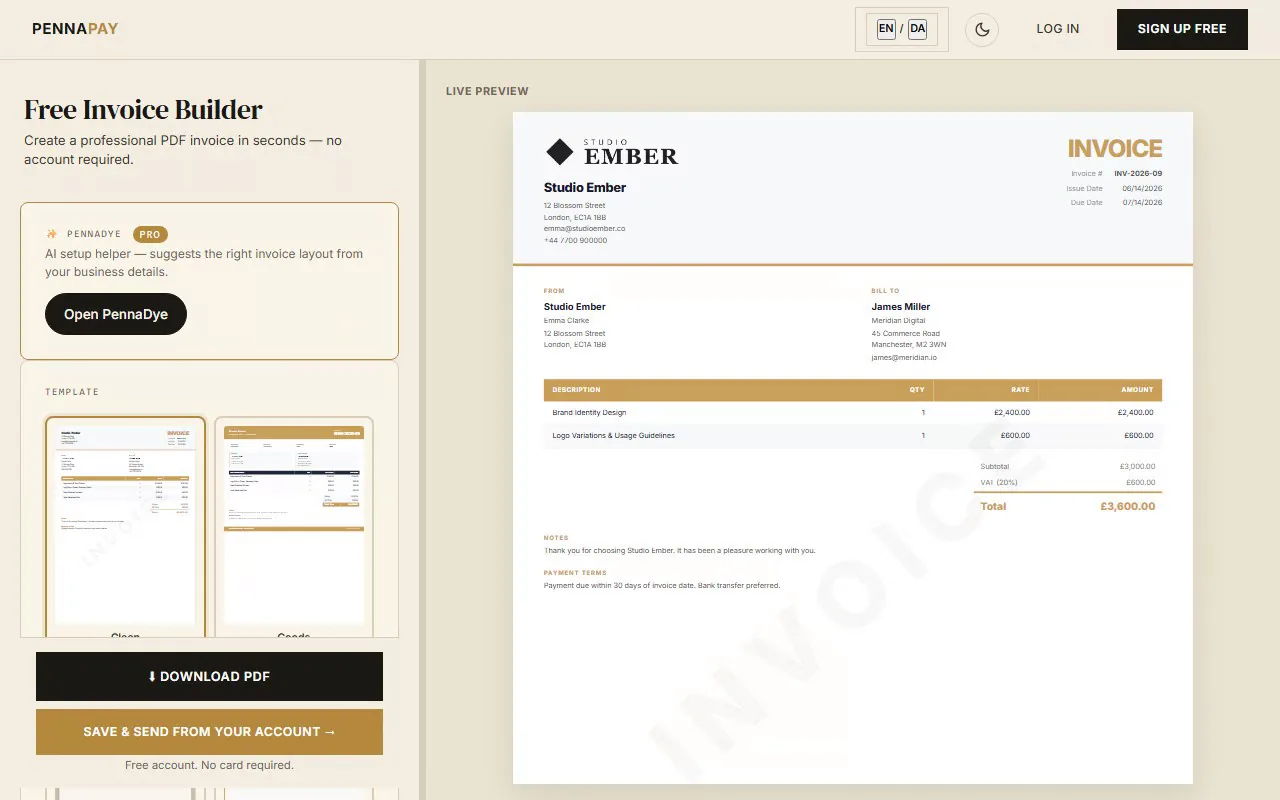
Common beat lease line items
A clear beat lease invoice protects both producer and artist. Here are the standard line items to include:
| Line item | Notes |
|---|
| MP3 lease | Non-exclusive, streaming and social media use, distribution limit applies |
| WAV lease | Non-exclusive, higher quality for recording, extended distribution limit |
| Trackout / stems lease | Individual track files for mixing; non-exclusive, wider distribution rights |
| Unlimited lease | Non-exclusive, no distribution cap, all file formats included |
| Exclusive rights buyout | Full transfer of ownership; beat removed from sale permanently |
| Beat customisation fee | Additional charge for tempo changes, key changes, or custom edits |
| Rush delivery | Expedited file delivery within 24 hours |
Built for music producers
License-ready invoices
Clearly itemise lease tiers on your invoice. Artists see exactly what they're getting — MP3, WAV, stems, or exclusive.
Payment-gated file delivery
Attach your beat files and lock them until payment clears. No more sending stems before the money lands.
Online card payments (coming soon)
Every invoice link carries your bank-transfer and MobilePay details today. Card payments directly on the link — no PayPal disputes, no Cash App drama — are coming soon.
Multi-currency
Invoice artists in USD, GBP, EUR and 30+ currencies. Your beats reach the world — your invoicing should too.
Instant PDF download
Download a professional PDF invoice in seconds — a clean record of every transaction. The free plan carries a small "Made with PennaPay" footer, which Pro removes.
Income tracking
See your beat sale revenue at a glance. Track leases, exclusives and custom orders in one dashboard.
Frequently asked questions
What should a beat lease invoice include?
A beat lease invoice should include the license tier (MP3, WAV, trackout, unlimited, or exclusive), the beat name or reference, usage rights granted, any distribution limits, file formats included and the total fee.
What is the difference between a beat lease and exclusive rights?
A lease grants limited usage rights while you retain ownership and can lease the beat to others. Exclusive rights transfer sole ownership to the buyer, removing the beat from sale. Exclusive deals command significantly higher fees.
Should I deliver stems or trackouts with a beat lease?
It depends on the license tier. Basic MP3 and WAV leases typically don't include trackouts. Stem delivery is usually reserved for higher-tier or exclusive purchases. List this clearly on your invoice to avoid confusion.
Is this beat lease invoice template free?
The template page is free to browse. It uses the Editorial design which is part of the Pro plan.